What I Built
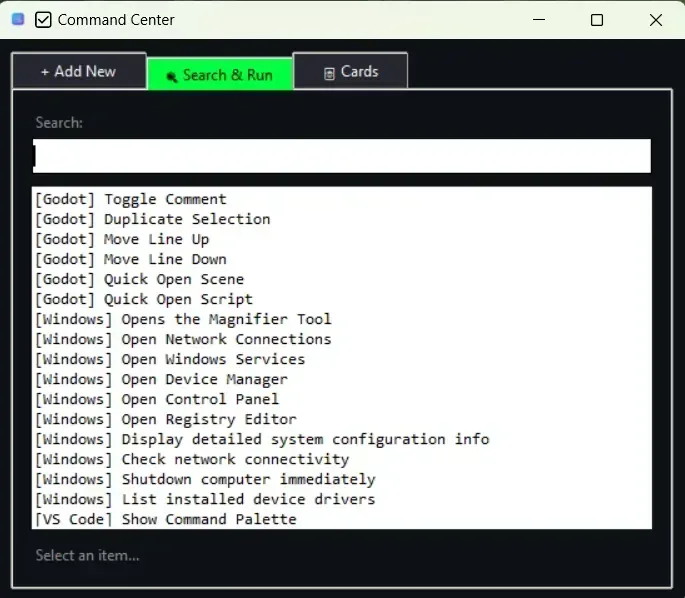
- Quick launcher with global hotkey-triggered search and run
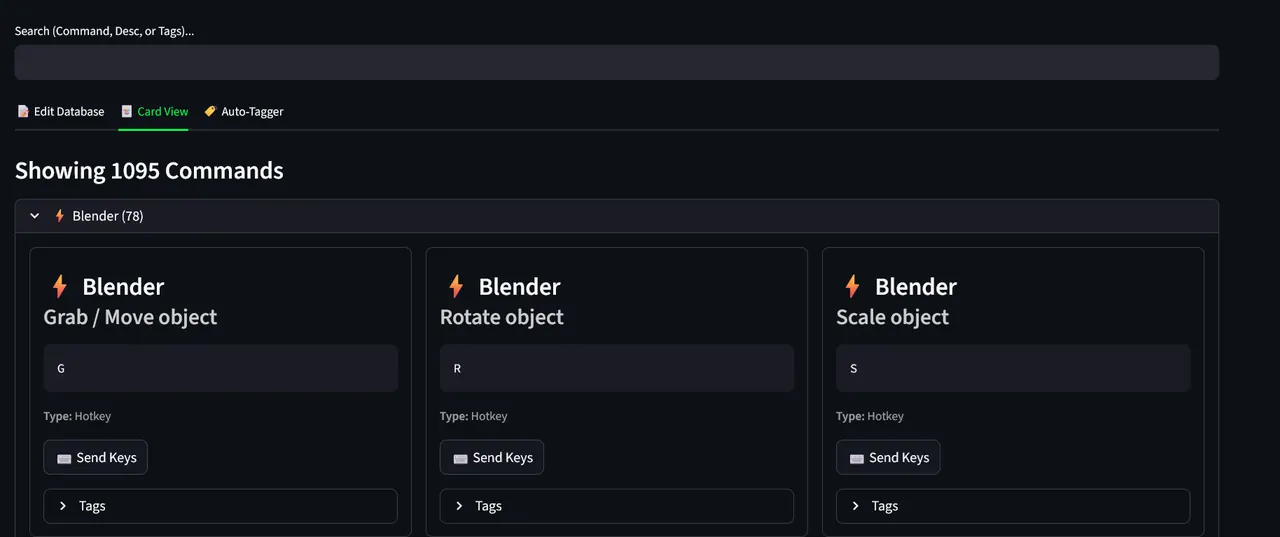
- Visual dashboard for browsing, editing, and running commands
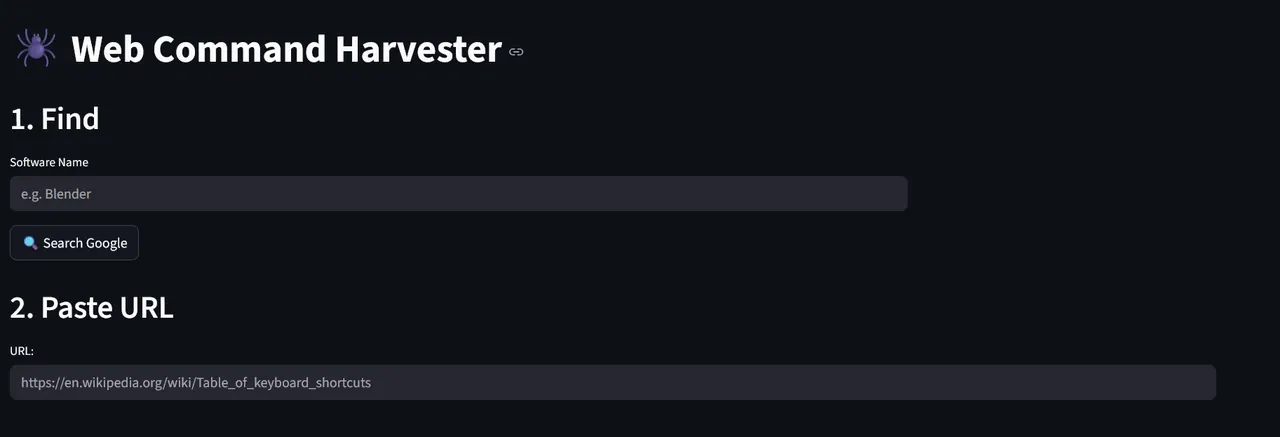
- Web harvester utility for importing command lists
- Workflow chaining support for scripted action sequences
CommandDB is a command manager for storing, organizing, and launching workflows from global hotkeys, a visual dashboard, and a quick CLI lookup.
It is designed for developers and power users who want faster access to repetitive tasks, automation chains, and command knowledge.
I built CommandDB because I wanted a faster way to manage the commands, shortcuts, and workflows I use repeatedly while developing and self-hosting.
It became a useful personal productivity tool and a good way to practice shipping software that I actually use.
CommandDB shows that I can take an everyday workflow pain point and turn it into a useful tool with clear structure and practical features.
It also reflects my interest in building software that speeds up real work instead of just looking good.
A personal automation system that helps organize commands, keeps repetitive work close at hand, and makes development workflows faster to reach.